

Marketing
resources
Here you’ll find everything you need to make the most of our partnership.

Integration Assets
Clearpay messaging widget
The rules
You can use our Clearpay Messaging Widget on the product display page of your website and/or during checkout flow, as provided by Clearpay following the instructions that can be found in our Developer Docs here.
The ⓘ or equivalent button must open the lightbox asset as a pop-up.
The Lightbox
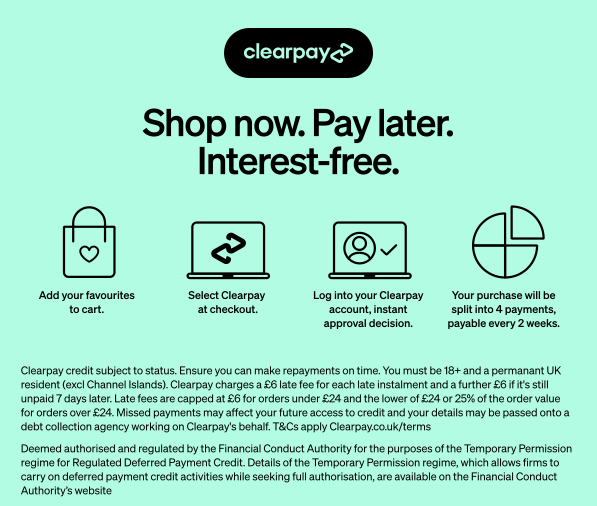
Example Implementation

Variations
The wording and style of the Clearpay Messaging may vary as permitted in the Developer Docs. Those variations are as follows:
• or may be replaced with In, in, Or, Pay, pay, Pay in, pay in, Make, make
• The ⓘ icon may be replaced with (?) different styles, More info, or Learn more
• interest-free may be removed
• with may be removed
• of may be replaced with from
• Entire message may be replaced with:
• Clearpay available for orders between £X - £Y ⓘ
• Clearpay available for orders over £X ⓘ
• Clearpay available for orders up to £Y ⓘ
• Clearpay not available for purchasing this item ⓘ
• Clearpay not available for this purchase ⓘ
• The Clearpay logo may appear in different styles